Five studio backgrounds
White, light grey, contrast, warm and charcoal, plus ten colours from cream and sage to terracotta and navy. You see your own photo on each one before you choose.
- Cream
- Bone
- Blush
- Sage
- Powder
- Sand
- Stone
- Terracotta
- Slate
- Navy
Background remover for sellers
Take a photo of what you sell. ShelfReady lifts the item off its background on your iPhone and sets it on a clean studio backdrop with a soft shadow, sized for your listing.

Free to download. Your first 3 saves are free.
Four steps, all on your phone. No account to create, no uploads.
Shoot with the camera inside the app, or pick up to 10 photos from your library at once.
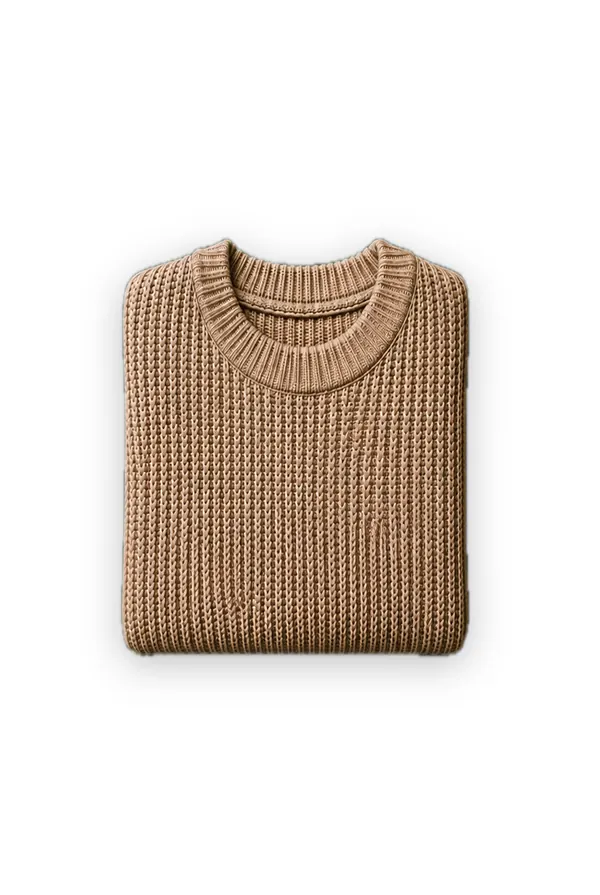
ShelfReady finds the item and removes the background on your iPhone. If it picks the wrong thing, draw a box around the item and it tries again.
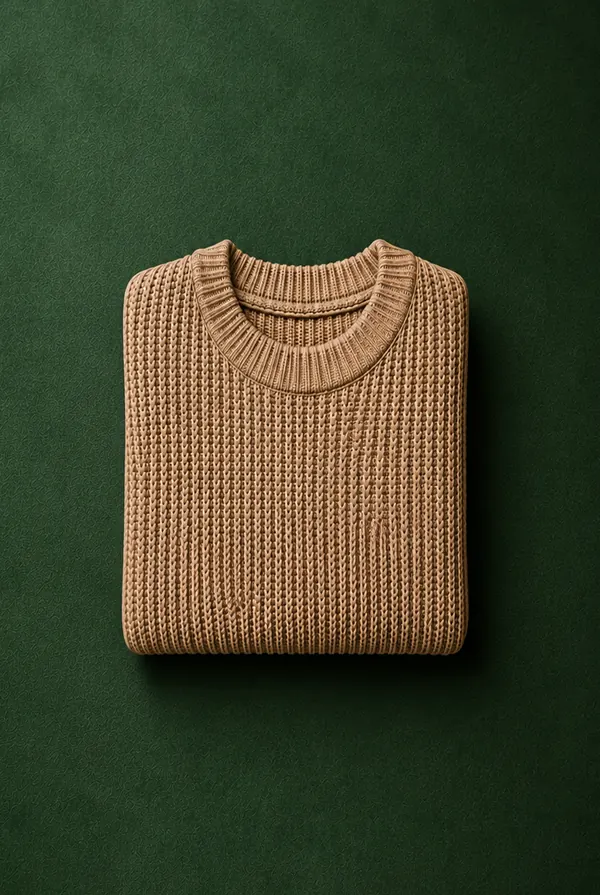
Set the item on a studio background or a colour, with a soft contact shadow so it looks photographed on a table.
Tell the app where you sell and every save comes out in the shape and size that marketplace asks for.
Built for anyone photographing something to sell, one item or a whole shelf.
White, light grey, contrast, warm and charcoal, plus ten colours from cream and sage to terracotta and navy. You see your own photo on each one before you choose.
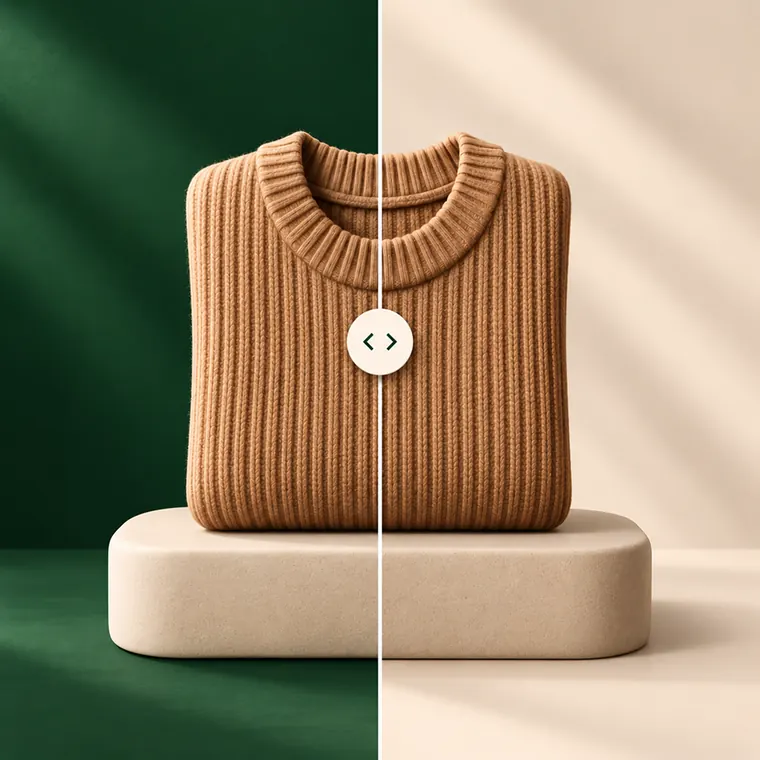
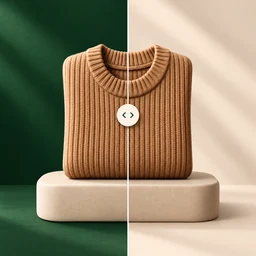
Adjust the shadow, the background warmth, the brightness and the contrast on any result, then drag across the photo to compare it with the original.
Pick up to 10 photos and ShelfReady works through them while you watch: one background for the lot, any single photo switchable on its own.
Presets for seven popular marketplaces: square, 4:3 or portrait 3:4, as a JPEG. Or keep your own shape at full size, in JPEG or HEIC. Save to Photos or share straight to another app.
Cutout not right? Draw a box around the item you want to keep and the app cuts it out again. Prefer the real setting? Keep the original background and just fix the light.
Finished photos are kept in the app with their originals, so you can come back later and try another background without shooting the item again.
Clothing, sneakers, bags, watches, electronics and beauty. Each category opens on a background that suits it.
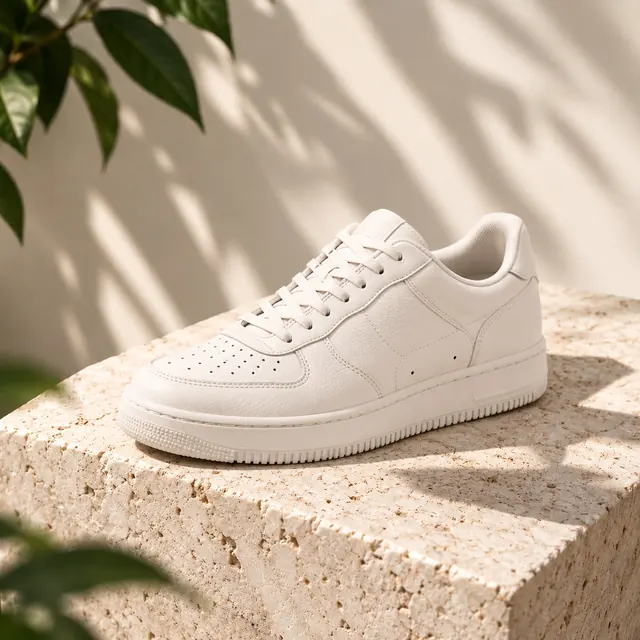
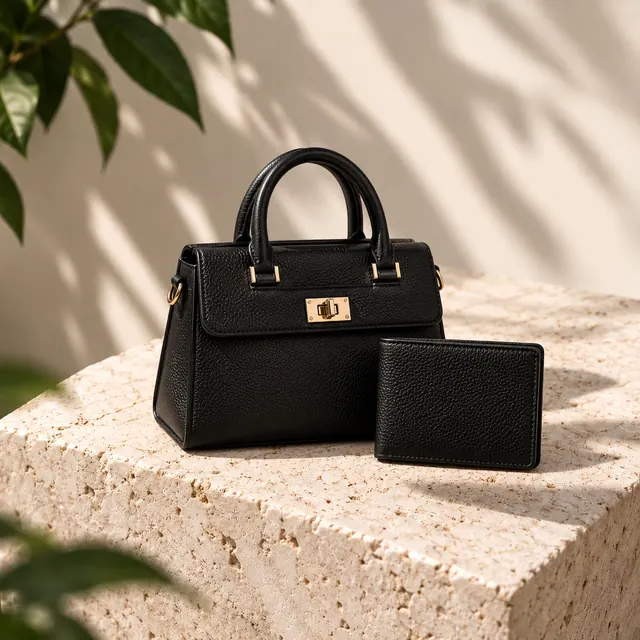
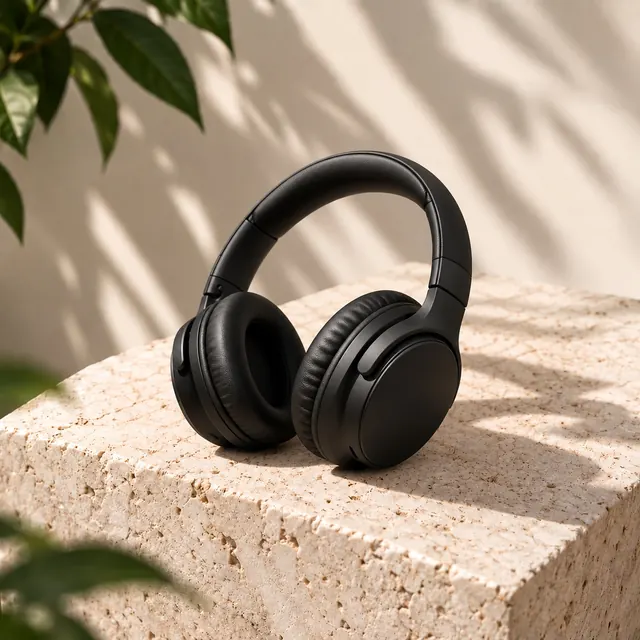
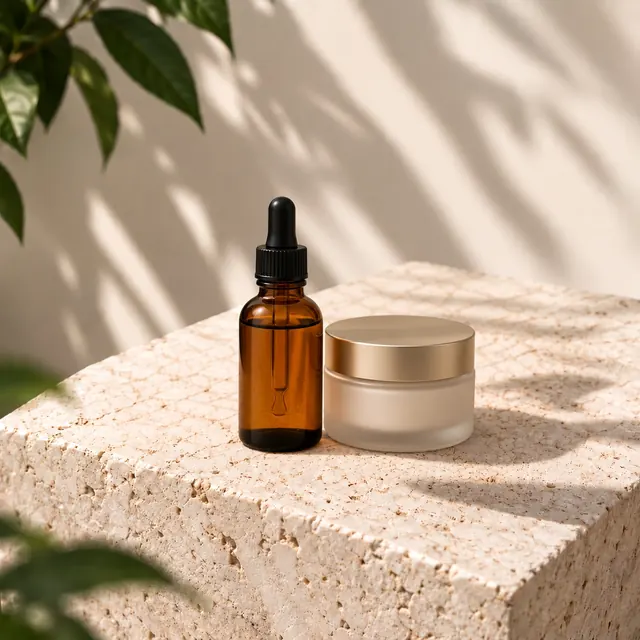
Finding the item, removing the background and balancing the light all happen on your iPhone, using Apple's on-device frameworks. Your photos are never uploaded, and there is no account to create.
The free version shows ads, and the app uses analytics and crash reports to improve, with your consent where the law asks for it. Where the app offers it, you can change your choices in Settings at any time. The Privacy Policy explains exactly what is collected and why.
Premium is an auto-renewing subscription, weekly with a free trial for eligible new subscribers, or monthly. Prices for your region are shown in the app before you buy. Payment is handled by Apple, and you can cancel at any time in your Apple Account settings.
ShelfReady is free to download for iPhone.